Step 01
Before inviting employees, make the platform your own. From Settings, you can:
Rename your employee portal (e.g. Benefits Hub)
Upload your company logo
Apply your brand colours
Add your company favicon
This creates a familiar experience for your employees from day one.


Step 02
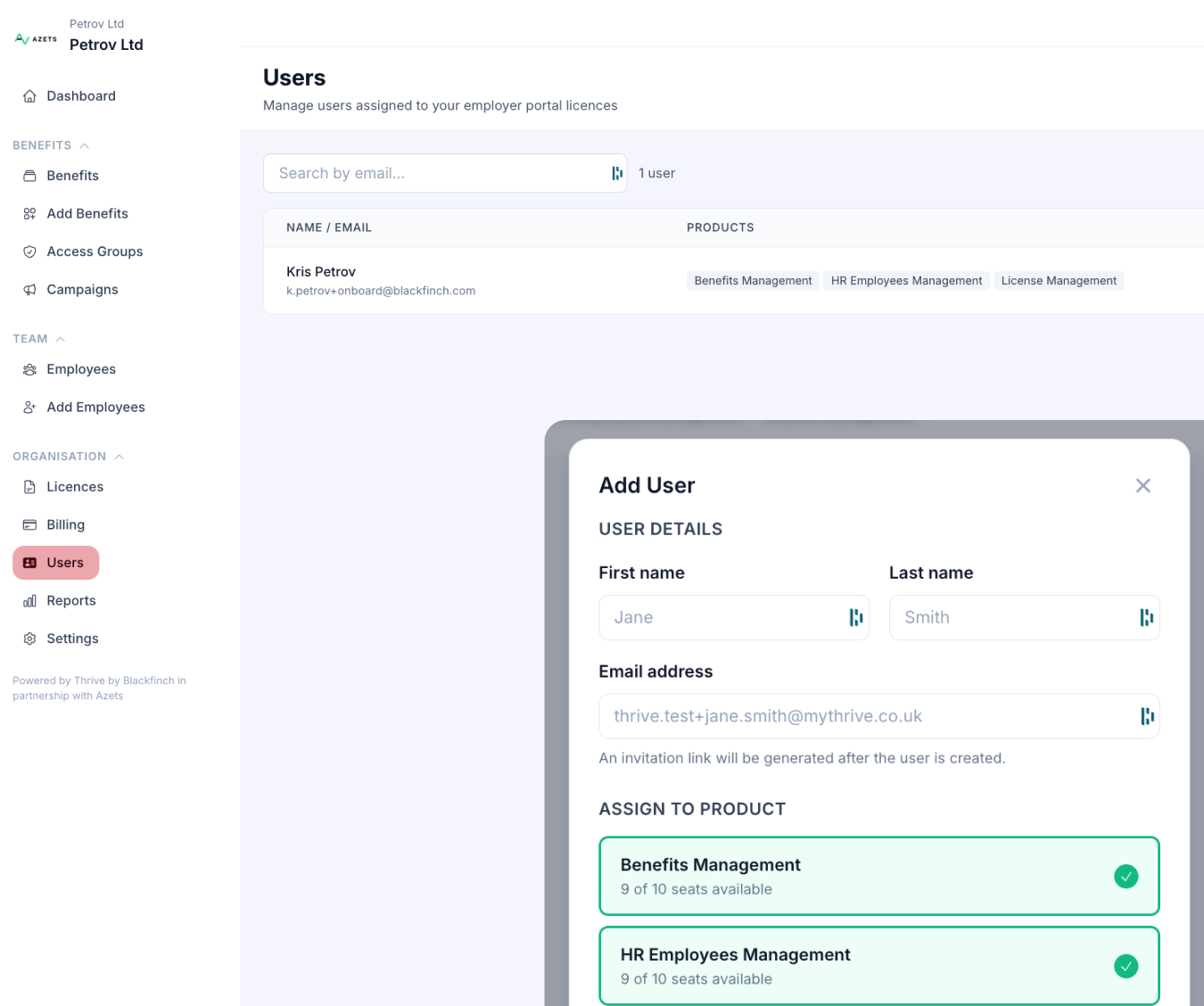
Need other colleagues to manage the platform?
Go to Users and select Add User to give additional administrators access.
Typical administrators include HR, People, Reward or Finance teams.
Step 03
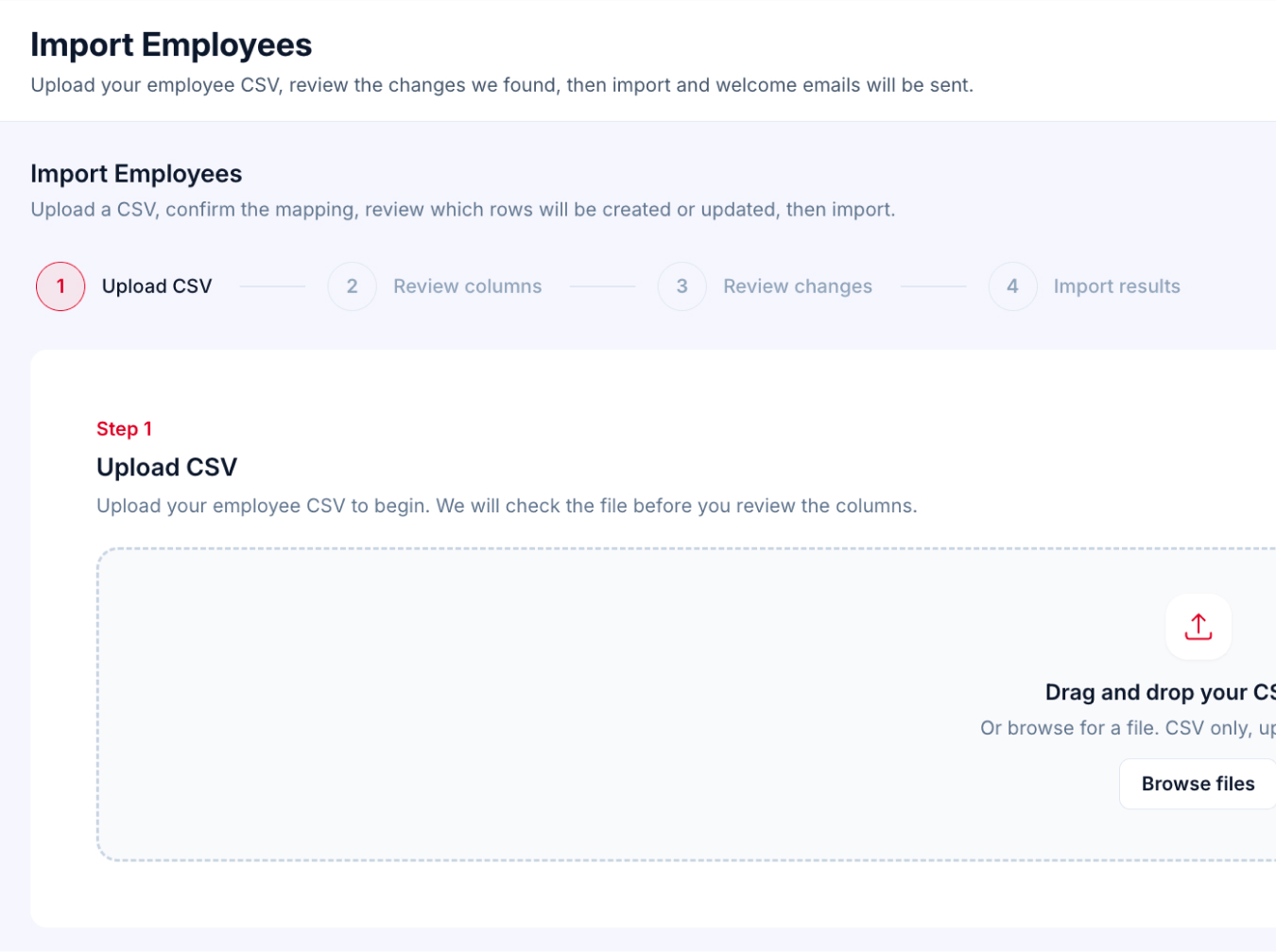
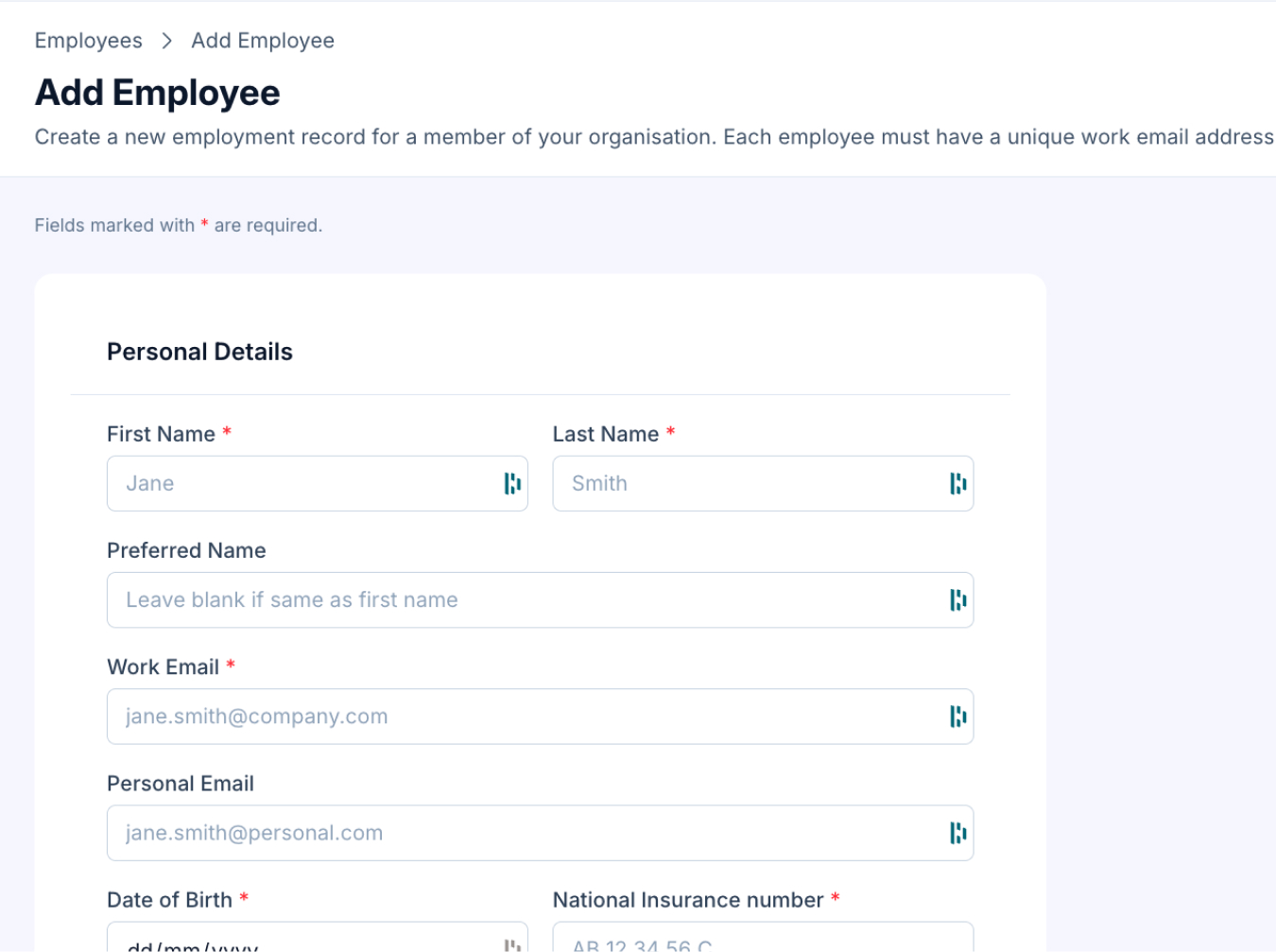
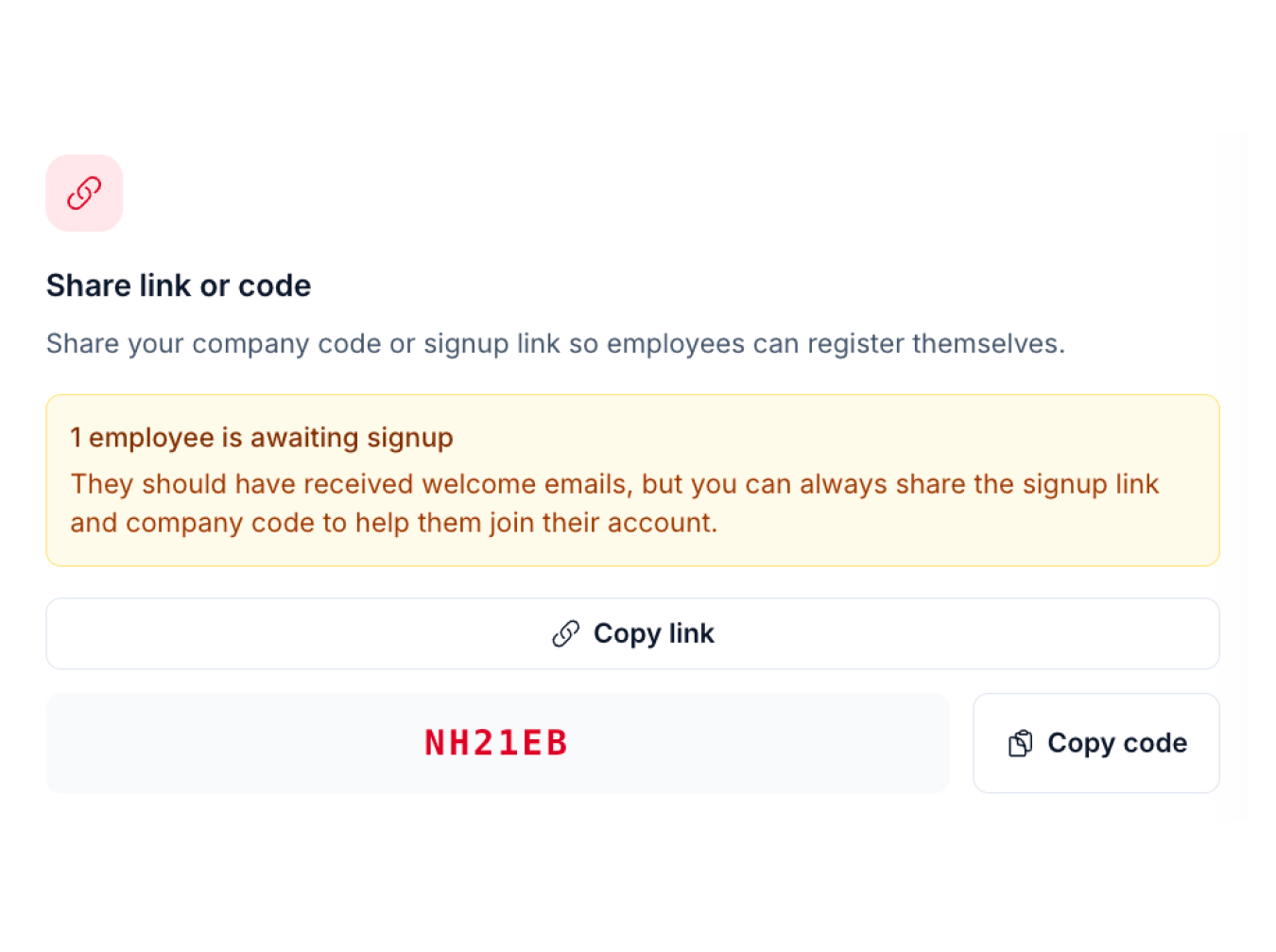
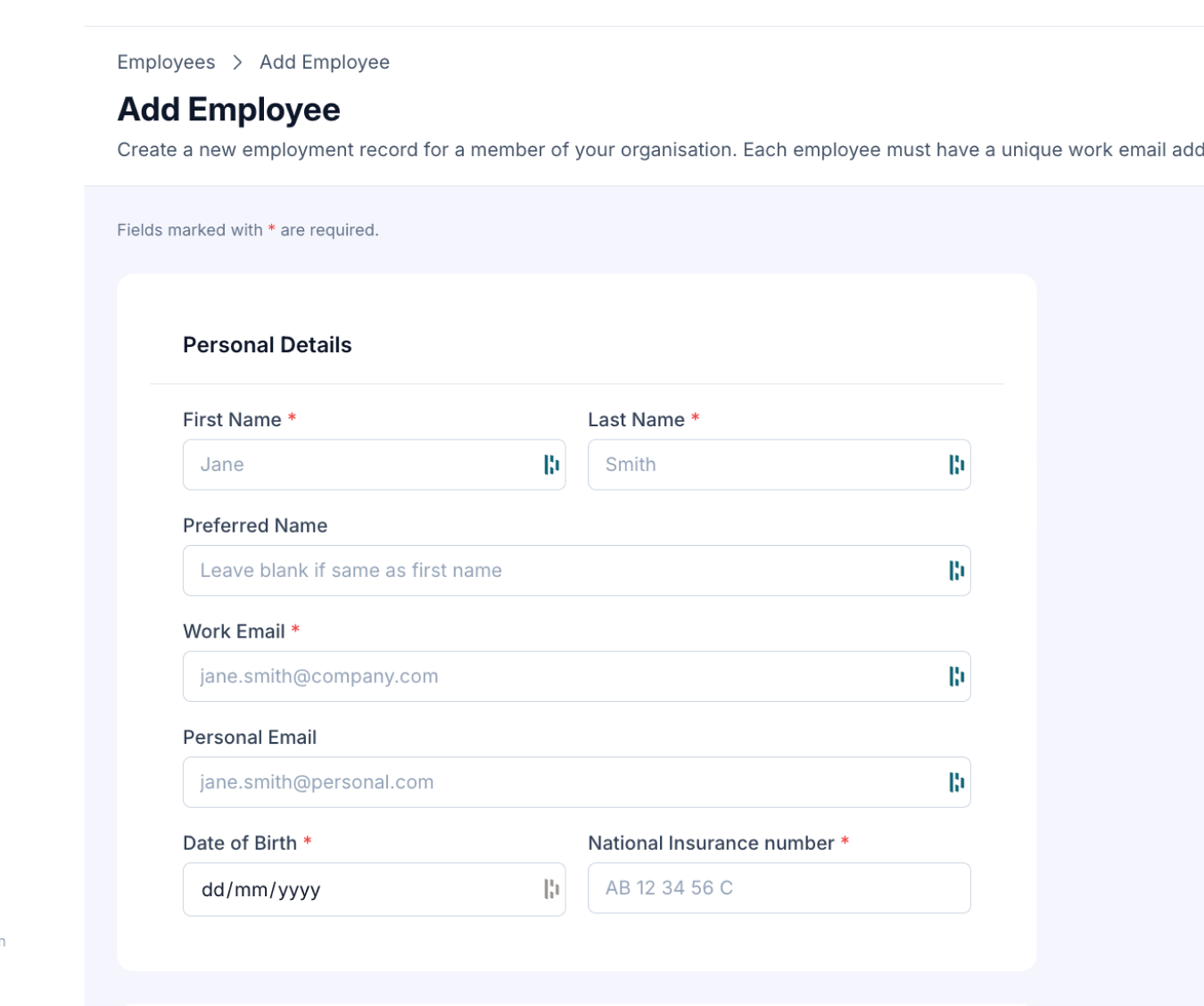
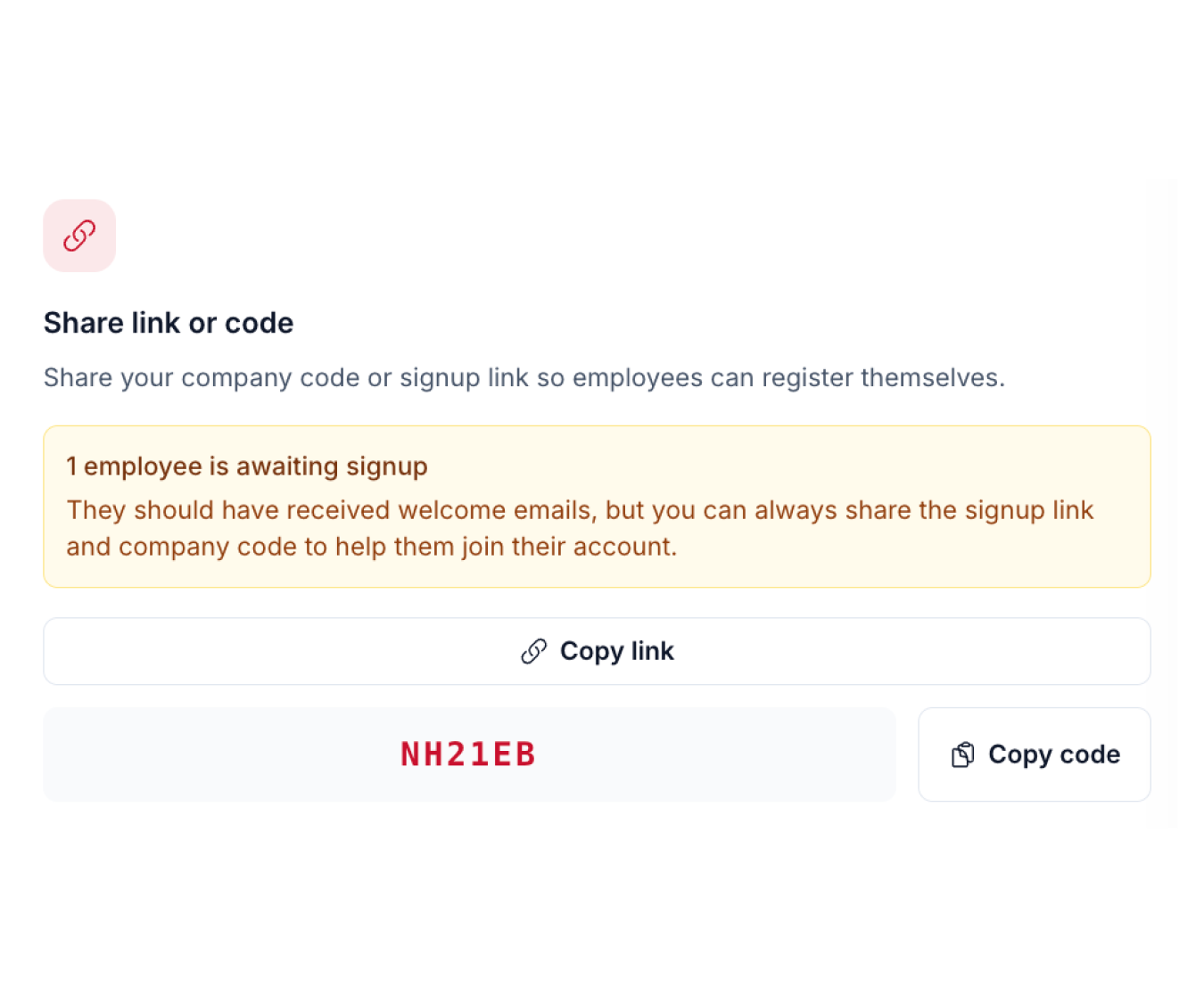
You're now ready to give your employees access. Choose the option that best suits your organisation.
Once activated, employees can immediately access:

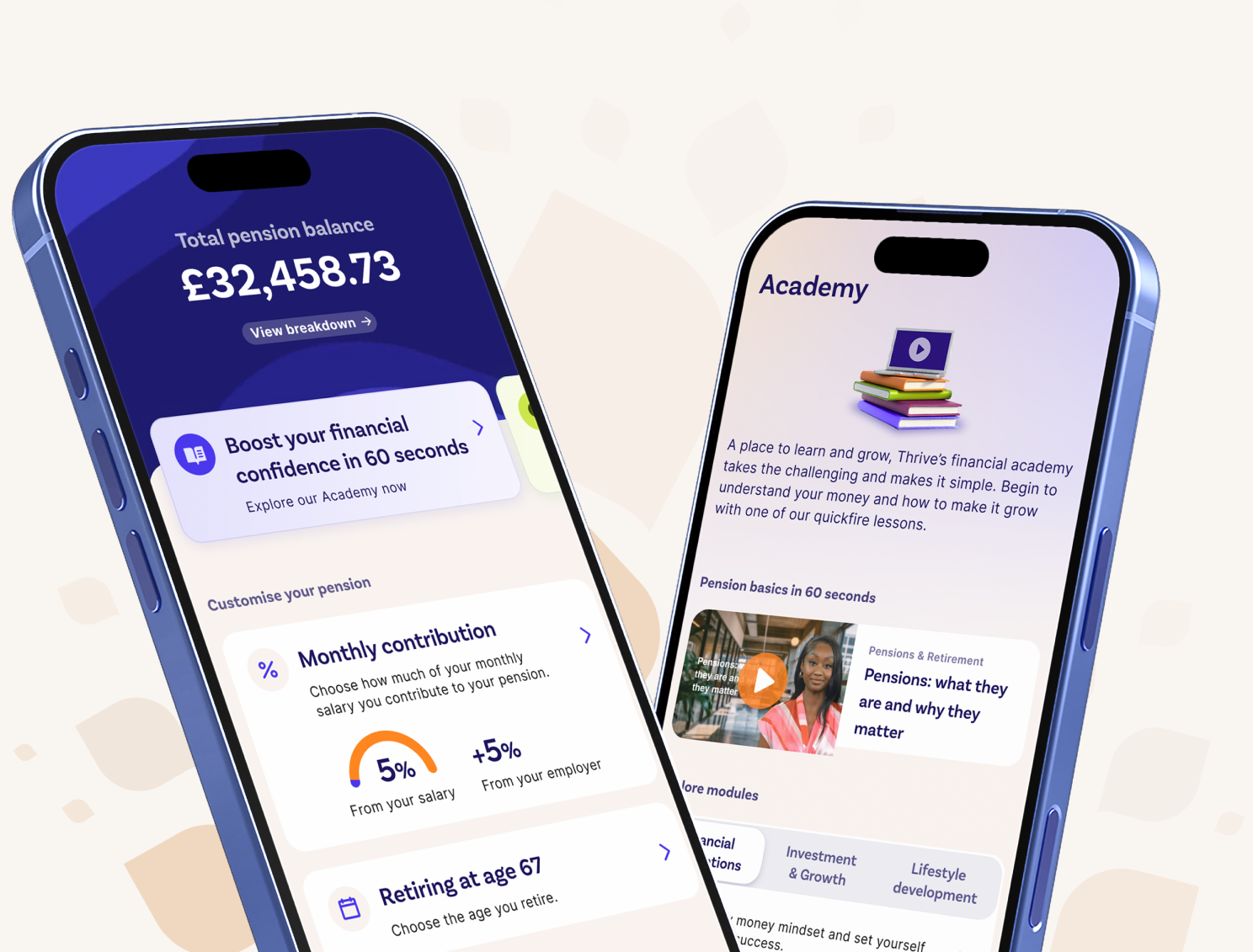
Access exclusive retail discounts and earn cashback on everyday spending with thousands of leading retailers across shopping, travel, groceries, technology and more.

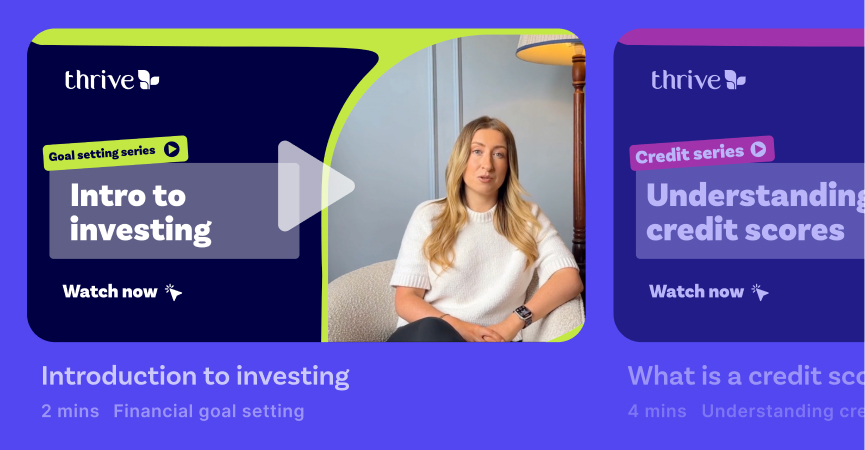
A digital learning hub packed with bite-sized videos, tools and resources covering budgeting, saving, investing, retirement planning and more.
As your employee benefits strategy develops, you can upgrade to Azets Benefits Platform Plus.
With Plus you can:
Bring your full employee benefits package together in one place
Promote benefits through targeted spotlight campaigns
Automatically manage benefit eligibility
Access reporting and engagement insights
Create a more personalised employee experience
Speak to your Azets Employee Benefits Consultant to learn more.
Speak to the team